
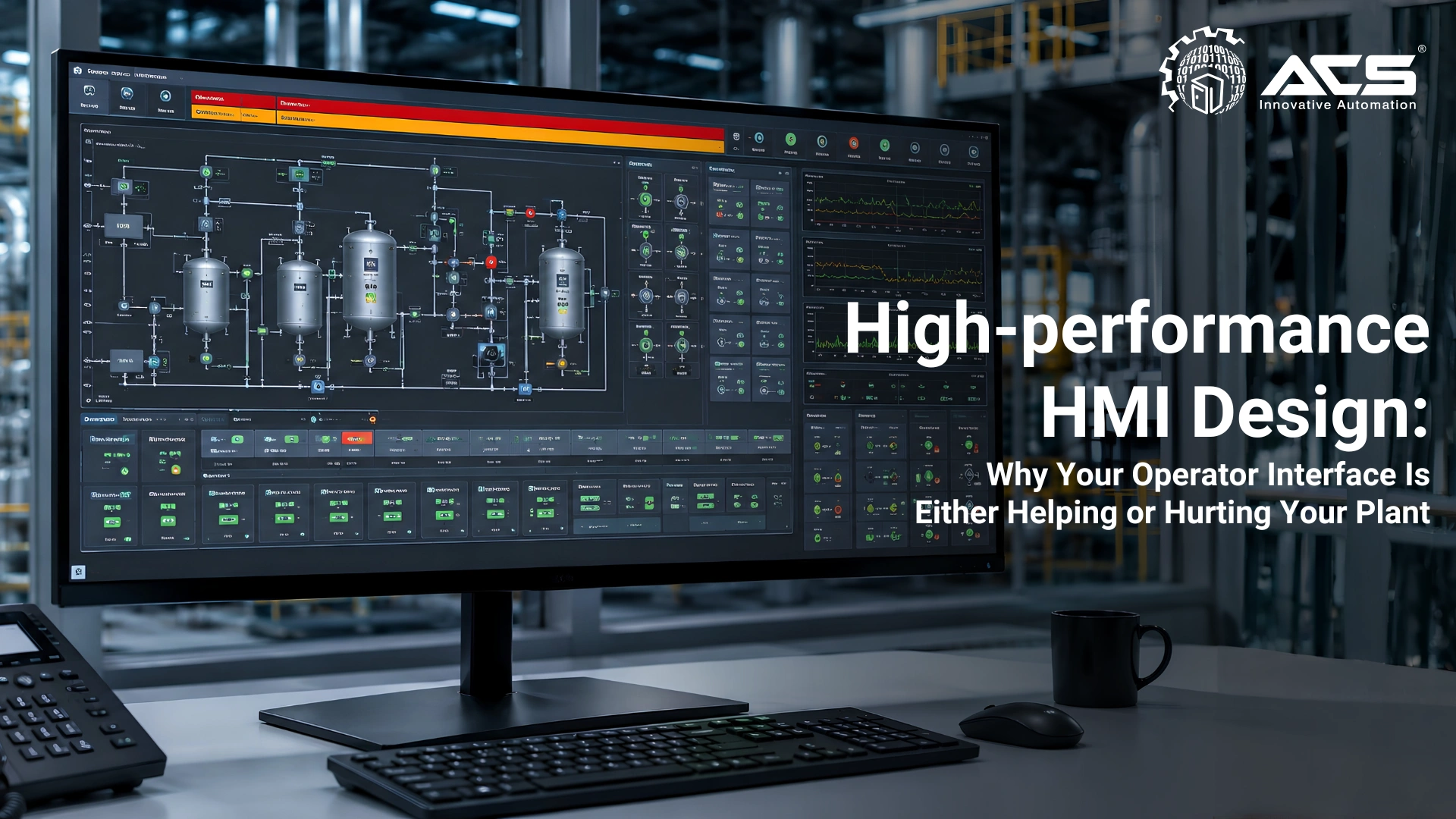
High-performance HMI Design: Why Your Operator Interface Is Either Helping or Hurting Your Plant
When it comes to industrial HMI design, the Problem with Traditional HMI Design
Most industrial HMI screens built before 2015 share a common design philosophy: make everything visible, make it colorful, make it animated, and make it impressive. The result is screens that look sophisticated to management but create measurable cognitive overload for operators.
Human factors research and modern HMI guidance show that visually dense, decorative interfaces can reduce situational awareness and make abnormal conditions harder to identify quickly.
ANSI/ISA101: The Standard for HMI Design
ANSI/ISA101.012015, Human Machine Interfaces for Process Automation Systems, is a key lifecycle standard for industrial HMI design. It covers the full HMI lifecycle: philosophy, design, implementation, operation, and maintenance. Its core principles:
- The primary purpose of an HMI is to support operator situational awareness and decision-making, not to display maximum information
- HMI design must consider the cognitive load placed on operators across normal operations, abnormal conditions, and emergency responses
- A consistent, documented HMI style guide must govern all screens across the SCADA system
High-performance HMI: The Six Principles
Principle 1: Grey Background, Not Black or White
Highly saturated, decorative, or high contrast backgrounds can compete with alarms and trend information. The preferred background should be neutral, consistent, and validated for the control room lighting and display hardware.
High-performance HMI practice commonly uses neutral greys or other subdued tones so color can be reserved for abnormal conditions. ISA101 defines a lifecycle and design framework rather than mandating one universal RGB value.
Principle 2: Color is Reserved for Abnormal States Only
In a well-designed HMI, the operator's eye should be drawn automatically to what is wrong, not to what is decorative. The rule:
- Normal state: grey, white, or subdued colors. A motor running normally is grey. A valve open in its normal position is grey.
- Abnormal or deviation state: color. A motor tripped is red. A valve in an unexpected position is yellow.
- Target: color use should be limited and purposeful under normal operating conditions
This principle means that when the operator looks at a normal screen, they see mostly grey. The moment something goes wrong, color appears , and the operator's attention is immediately directed to the deviation without searching.
Principle 3: Equipment Shown in Process State, Not Physical Appearance
Traditional HMI: detailed 3D equipment graphics, rendered pumps, pipes, vessels, flames. These look impressive but carry no process information. The rendering effort is wasted visual bandwidth.
High-performance HMI: simplified ISA5.1 standard symbol for equipment and instruments. The pump is a triangle symbol with a circle, standardized across every screen. The operator reads process state, not artistic rendering.
Principle 4: Contextual Data, Not Data Dumps
Every value displayed on an HMI screen should have a reason for being there. The question for every tag: 'Does the operator need to see this to make a decision?' If not, move it to a secondary popup screen accessible on demand.
Primary screens should show the variables needed for the operator's current task. Detailed diagnostics, device parameters, and historical analysis should remain available through a clear display hierarchy.
Principle 5: Trend Context on Every Key Variable
A single numeric value tells an operator where a process variable is now. A trend tells them where it is going. For key process variables, temperature, pressure, level, flow, a minitrend showing the last 15–60 minutes should be visible on the primary screen without navigation.
'The tank is at 2.3 meters’ is information. 'The tank is at 2.3 meters and has been falling at 0.1 m/min for the last 20 minutes' is situational awareness.
Principle 6: Alarm Banner Discipline
The alarm banner at the top of every HMI screen must show only active, unacknowledged alarms in priority order. Suppressed alarms, acknowledged alarms, and informational messages must not compete for the same visual space. The operator must be able to immediately identify the highest priority active alarm without scrolling or navigating.
Alarm Rationalization: The Foundation of Operator Effectiveness
No amount of good HMI design compensates for a poorly rationalized alarm system. The most common alarm management problem in Indian industrial plants:
Alarm load
Measure alarm rate by operator position, operating state, and peak event
Chattering
Remove repeated alarms caused by poor dead band, delay, or instrument condition
Standing alarms
Identify alarms that remain active and receive no timely action
Alarm floods
Test whether operators can recognize the initiating event during major disturbances
Rationalization involves reviewing every configured alarm and answering: What does this alarm mean? What is the consequence if the operator ignores it? How long does the operator have to respond? What action should they take? If these questions cannot be answered, the alarm should not exist.
Siemens HMI Platform Options for ACS Engitech Installations
| Product | Specifications and Best Use |
|---|---|
| SIMATIC Basic Panels | Cost-effective local visualization for compact machines; exact panel generation and screen size should be selected from the currently supported portfolio |
| SIMATIC Comfort / Unified Comfort Panels | Advanced local HMI with alarms, trends, recipes, user management, and modern connectivity; select current supported hardware and engineering software |
| Large format operator panels | Suitable for section level or line level operation where more process context is required |
| SIMATIC Unified Panels | Web based visualization platform for modern machine and plant interfaces, with capability depending on the selected panel and software version |
| PC based WinCC SCADA | Plantwide supervision, historian, reporting, redundancy, and multiclient options sized to the required tag count and architecture |
Conclusion: The HMI Is Where Safety, Efficiency, and Operator Wellbeing Converge
A High-performance HMI is not less information , it is better organized information, presented at the right level of detail, with visual hierarchy that guides the operator's attention to what needs action. It is the difference between an operator who spends their shift reacting to noise and one who is genuinely in control of their process.
Suggested social hashtags: #HMI #HighPerformanceHMI #ISA101 #SCADA #OperatorInterface #Siemens #WinCC #AlarmManagement #IndustrialAutomation #ACSEngitech
About ACS Engitech Pvt. Ltd.
Since 2009, ACS Engitech has delivered automation solutions across manufacturing sectors. As a Siemens Channel Partner, we provide comprehensive automation systems including PLC panels, SCADA implementation, and remote monitoring solutions. Our 6000 sq. ft. manufacturing facility in Ahmedabad serves clients across India with ISO 9001-certified control panel solutions.
Take Action Today
Ready to optimize your facility? Connect with us to discuss how automation can improve your operations and address critical demands.
Connect With Us